
Losing access to your cryptocurrency wallet can mean losing your funds forever. A broken phone, forgotten password, or misplaced recovery phrase is often all it takes for assets to become permanently inaccessible. That’s why understanding crypto wallet backup and restore isn’t optional—it’s essential. This guide walks you through a clear, step-by-step process to securely back up your wallet’s master key and confidently restore it when needed. We break down complex security concepts into practical actions, so you leave with a reliable, foolproof plan to protect your digital assets and maintain true ownership with complete peace of mind.
What You’re Actually Saving: The Seed Phrase Explained
A seed phrase is a list of 12 to 24 simple words that acts as the master key to your entire crypto wallet. It’s not a password. It doesn’t “unlock” an app. Instead, it’s a recovery mechanism that can mathematically recreate every private key tied to your wallet.
Think of it like a bank vault’s master key. Each crypto address has its own private key (like individual safe‑deposit box keys). But the seed phrase can regenerate the entire set at once. Lose a single private key? That’s stressful. Lose the seed phrase? That’s catastrophic.
Technically, most wallets follow the BIP39 standard — an industry protocol that turns random entropy into human‑readable words. Because of BIP39, many wallet apps are interoperable. In theory, you can import your phrase into another compatible wallet and regain access. I say “in theory” because standards evolve, and edge cases do exist.
Here’s the core principle:
- Your crypto is on the blockchain, not your device.
- The seed phrase proves ownership.
- It enables crypto wallet backup and restore anywhere in the world.
Some argue this system feels risky compared to banks. They’re not wrong — self‑custody shifts responsibility to you. But that responsibility is also the power. (With great power, yes, comes great responsibility.)
The Fort Knox Method: How to Securely Back Up Your Seed Phrase
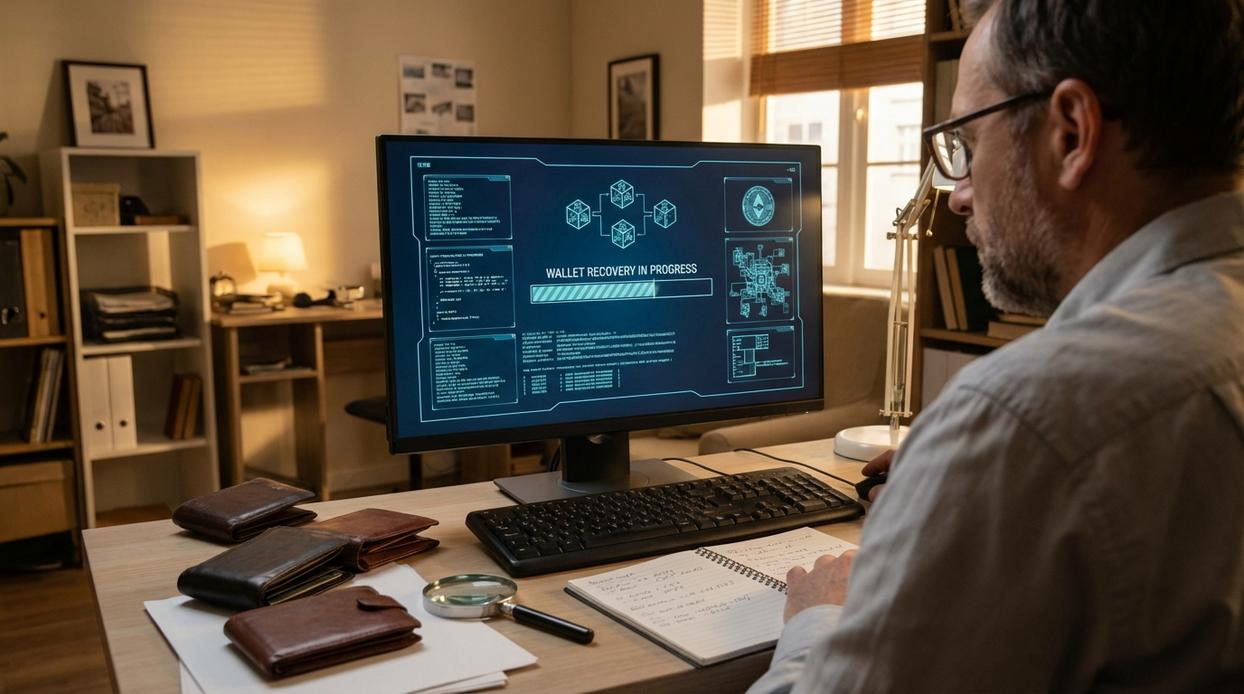
If your seed phrase is the master key to your crypto, then backing it up is building the vault around that key. Do it casually, and you’re hiding treasure under a mattress. Do it right, and you’re thinking like Fort Knox.
Step 1: Create a Secure Offline Environment
First, disconnect from the internet completely. Wi-Fi off. Bluetooth off. No smart speakers nearby. No cameras in view. Online vs. offline is the first big comparison: online environments invite invisible risks (malware, remote access exploits), while offline environments dramatically reduce exposure (CISA warns that internet-connected devices expand attack surfaces). If it can transmit data, it can leak data.
Step 2: Write It Down Physically
Pen and paper beats screenshots and cloud storage. Why? A notebook in your hand can’t be remotely hacked. A photo in your gallery can. Digital copies—screenshots, text files, password managers, email drafts—are vulnerable to phishing, SIM swaps, ransomware, and cloud breaches (Chainalysis reports billions lost annually to crypto-related hacks).
Number each word carefully. Spelling matters. One letter off, and recovery fails.
Paper vs. digital isn’t even close here. Digital is convenient. Paper is resilient. (Convenience is often the enemy of security.)
Step 3: Verify Your Backup
Most wallets ask you to re-enter your words. Never skip this. Think of it as a rehearsal before the real performance. Without verification, you’re guessing your crypto wallet backup and restore process will work. Guessing is not a strategy.
Step 4: Upgrade to Metal Storage
Paper vs. steel? Paper burns at 451°F. Stainless steel survives house fires and floods. Metal seed plates—steel or titanium—resist fire, water, and corrosion. They’re not flashy, but they’re durable. (Batman didn’t build the Batcave out of cardboard.)
Step 5: Create Geographic Redundancy
One copy vs. multiple copies is another critical comparison. One location means one point of failure. Two or three copies stored separately—a quality home safe, a bank deposit box, a sealed envelope with a trusted family member—protect against fire, theft, or natural disasters.
Pro tip: Never store copies side-by-side. Separation is security.
Critical Mistakes That Can Cost You Everything
Your seed phrase (a 12–24 word master key that controls your crypto) is the single point of access to your funds. Lose it—or leak it—and there is no password reset.
The Digital Sin: Never photograph or type your seed phrase into any device connected to the internet. Cloud storage, email drafts, and notes apps can be hacked. According to Chainalysis (2023), billions in crypto are lost annually to preventable security failures.
The Phishing Trap: No legitimate wallet provider or support agent will ever ask for your seed phrase. If a site prompts you for it outside of a true crypto wallet backup and restore process, stop immediately. Review these best practices for protecting private keys and seed phrases: https://ftasiamanagement.com.co/best-practices-for-protecting-private-keys-and-seed-phrases/
The Single Point of Failure: Store backups separately from your device. A stolen backpack shouldn’t mean empty accounts.
The Casual Conversation: Don’t say it aloud. Treat it like vault access—because it is.
From Disaster to Access: Restoring Your Wallet on a New Device
Losing your phone can feel like losing your entire financial life (cue mild panic). But if you backed up your wallet correctly, recovery is straightforward.
Step 1: Download the Official Wallet App
Go directly to the project’s official website or a trusted app store like Apple App Store or Google Play Store. Double‑check the developer name, reviews, and website URL. Fake apps often copy logos but use slightly altered names.
Step 2: Select ‘Restore’ or ‘Import’
During setup, choose Restore instead of “New Wallet.” This tells the app you’re recovering existing funds, not creating new keys.
Step 3: Enter Your Seed Phrase Carefully
Type your 12 or 24 words in the exact order. One word wrong means access denied. This crypto wallet backup and restore process regenerates your private keys and reconnects you to your blockchain funds.
Pro tip: Never enter your seed phrase on a website link sent via email.
Taking Control of Your Digital Sovereignty
You set out to understand how to truly protect your digital assets—and now you know the truth: real security lives in your physical backup, not your device. A lost or damaged phone should never mean lost crypto. With a proper crypto wallet backup and restore plan, you stay in control no matter what happens.
The fear of losing everything disappears when your seed phrase is secured correctly. That confidence comes from preparation, not hope.
If you haven’t verified your backup, do it now. Secure it offline, store it safely, and test your recovery process. One simple step today can prevent a devastating loss tomorrow.